- Head to your contractor profile and select the services section
- From here, find the relevant service and hit edit
- A side pane will appear, where users can find the Rates field and hit Edit
- Should the rate be amendable, you will see the option to choose a new rate from the dropdown
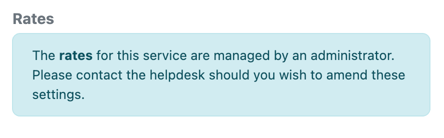
- In some instances, for example where the service has been marked as non-billable, the rates will be unable to be amended and a message will show asking you to reach out to you client should you wish to update them